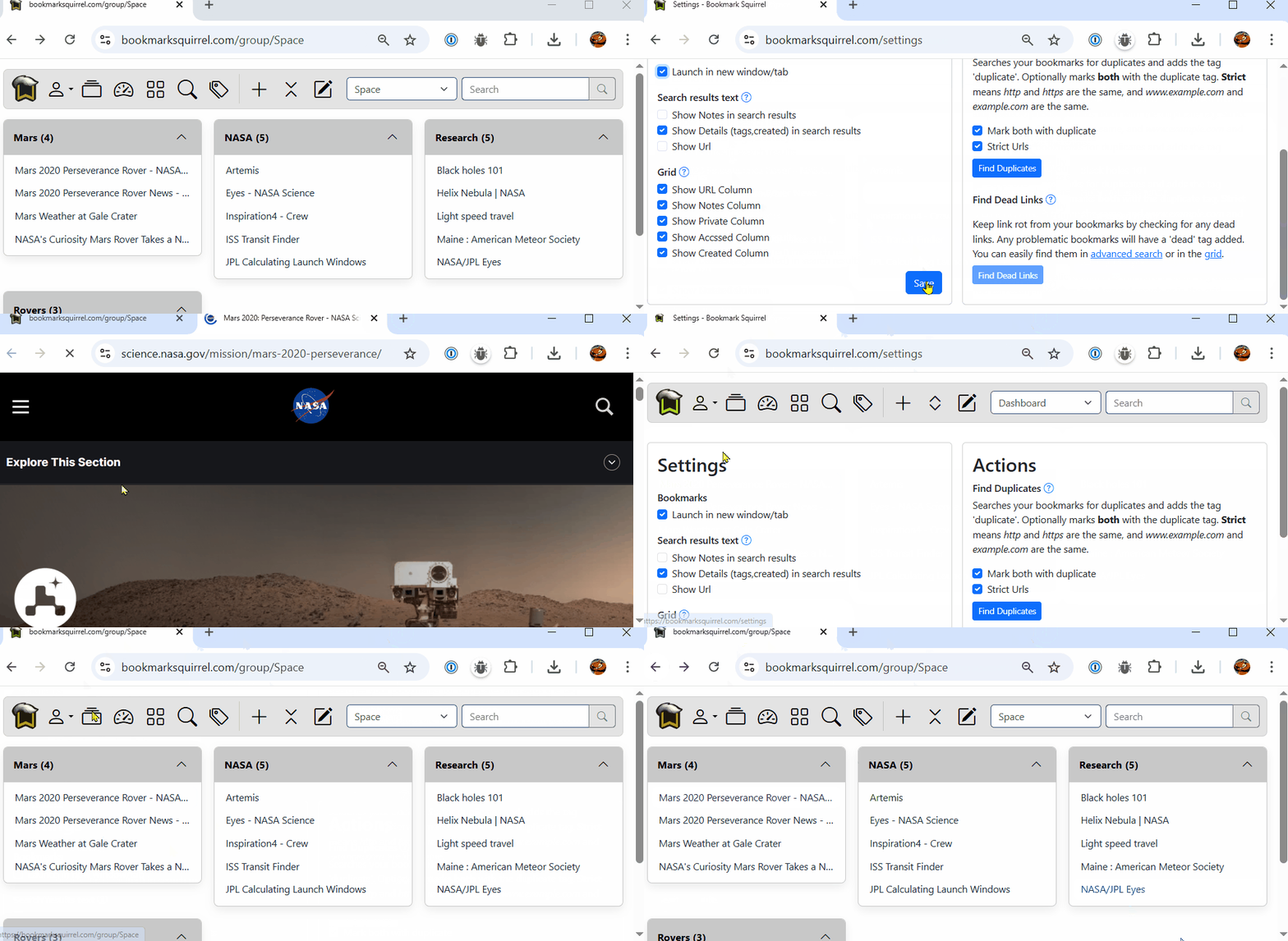
Settings Launch New Window/Tab
You can choose to have a bookmark opened in the current tab, or in a new tab. Go to your User menu > Settings, and under the Settings > Bookmarks heading, click the Launch in new window/tab checkbox. When checked, bookmarks will be opened in a new window/tab. When unchecked, bookmarks will be opened in the same window/tab.